File uploads and memory
Two optional features let your chatbot handle richer conversations: file uploads, so visitors and agents can share documents and images, and memory, so the chatbot remembers earlier turns. Both are off by default. You turn them on in the Chatbot node.
File uploads
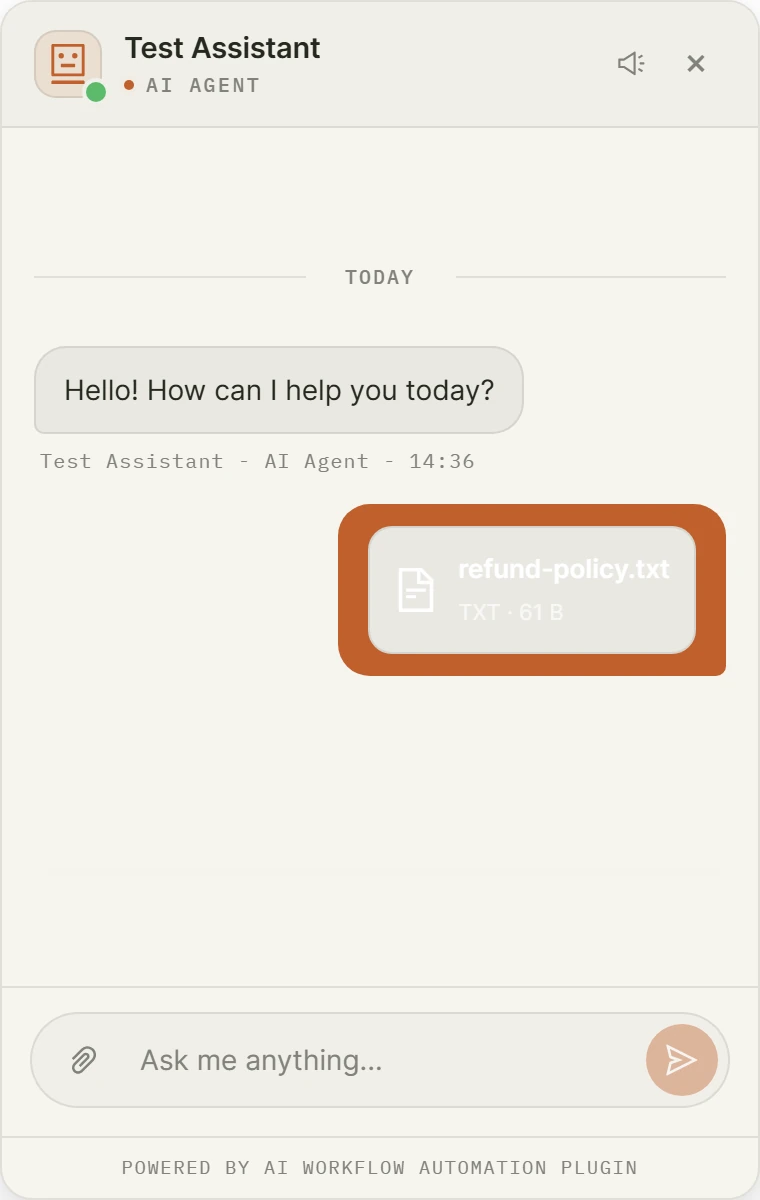
Enable uploads under the Behavior tab, in File Uploads. Once on, visitors and human agents can share documents and images in the conversation.
What you control
- Allowed types. Only the types you list are accepted. The server checks the real file bytes against this list, so a renamed executable is always rejected.
- Maximum size. A per-file cap. The plugin hard-limits every upload to 20 MB regardless of what you set.
How files are handled
- Files are validated by their real content, size-capped, stored privately outside any web-executable path, and served only over a token-gated link.
- Uploaded documents are made available to the AI as the filename plus a short text snippet, so the agent can reason about them.
- During a human handoff, files are shared both ways between the visitor and the agent.
Memory
By default a chat resets each time. Memory lets the chatbot carry context across turns and, if you choose, across sessions. Configure it on the Model tab.
Who the chatbot remembers
- Conversation (this chat only): memory lasts for the current chat and resets on a new one.
- Returning visitor (across sessions): memory follows the same anonymous visitor across sessions.
- Logged-in user (member sites): memory is keyed to the WordPress account. Anonymous visitors fall back to conversation memory.
How much is kept
The most recent messages are kept word for word. Older messages are folded into a compact running summary, so the chatbot stays aware of the conversation without carrying the full history on every turn. You choose how many recent messages to keep verbatim.
Memory stores conversation content, so turn it on only when it improves the experience for your visitors.
Persisting history in the browser
Separately, under the Behavior tab, Advanced, you can persist history so a conversation continues across page reloads. This uses the visitor’s browser storage and is independent of the memory setting above.